Blooket Live: What It Means and Why You Might Not Be Able to Join
A teacher says everyone should join the Blooket live game, and half the room gets in instantly while someone in the back row stares at an error message. Live sessions are the most common way Blooket gets played, and also where nearly every real problem shows up.
This guide explains what live actually means on Blooket, how joining one works, and walks through the real reasons a join attempt fails, straight from Blooket’s own support documentation rather than guesswork.
What Does Blooket Live Actually Mean?
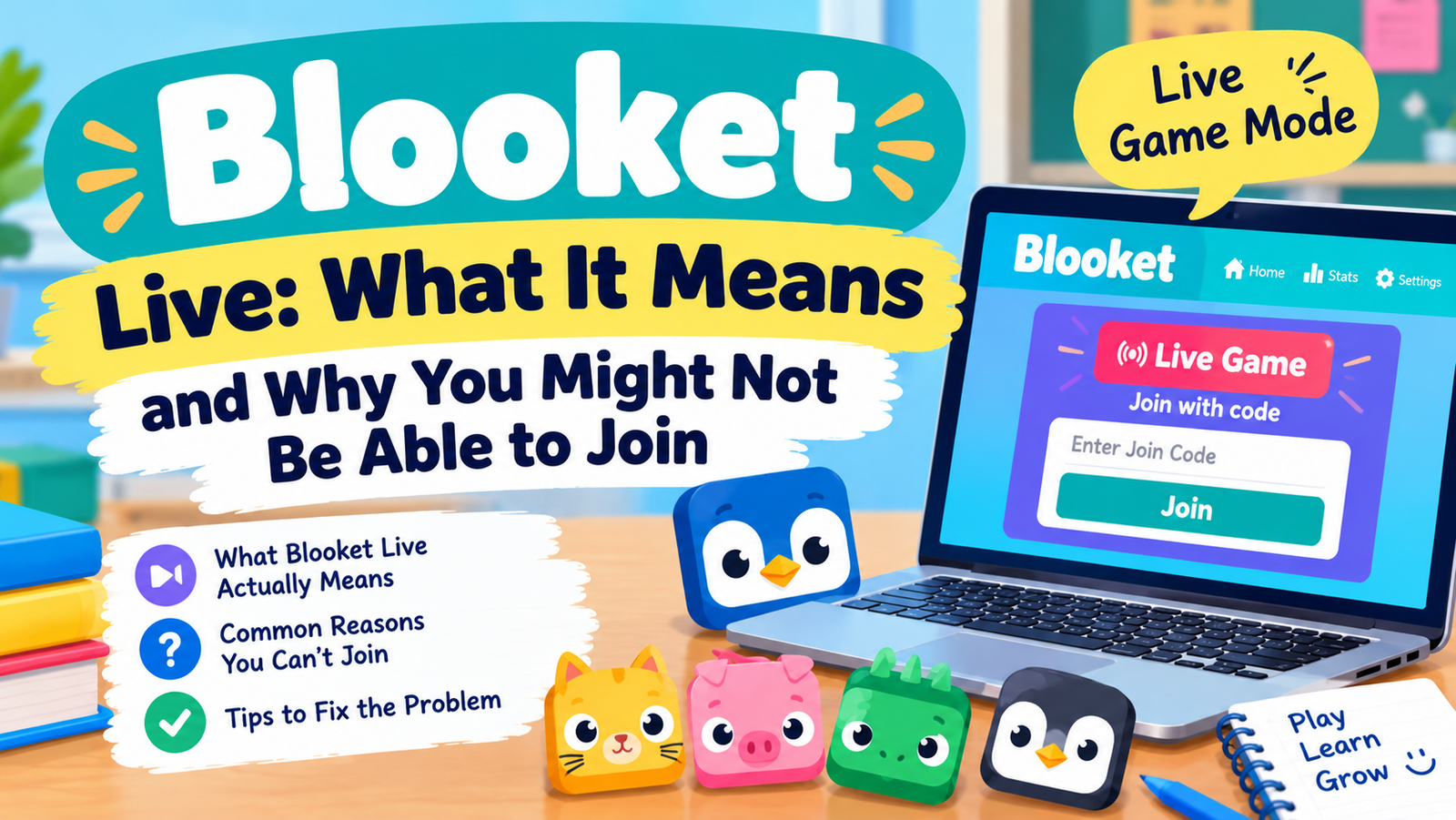
Blooket sessions run in one of three formats, and Blooket live is only one of them. A live game needs a host actively running it in real time and other players joining at the same moment with a code. Everyone answers together, on the same timer, watching the same leaderboard.
| Format | Needs a Host Online | Needs a Code | Best For |
| Live | Yes | Yes | Class review, real time competition |
| Solo | No | No | Individual practice, any time |
| Homework | No, self paced | No, uses a link | Assigned practice with a deadline |
Solo play has its own full walkthrough in the guide to playing Blooket solo, which covers which modes support single player practice without a live session at all.
How to Join a Blooket Live Game
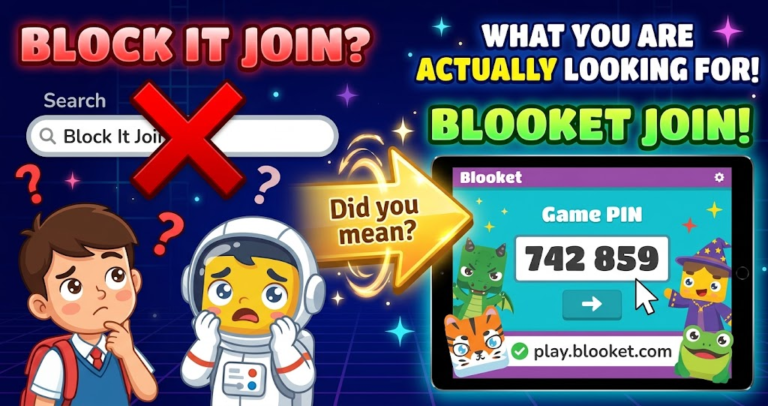
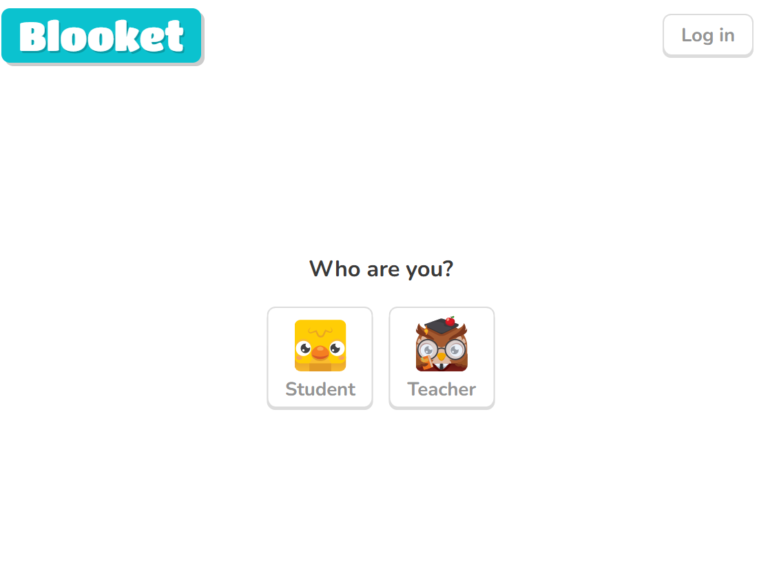
Joining a Blooket live game takes three things: a browser, the code your host gives you, and a nickname. Open play.blooket.com, type the code exactly as shown, add a nickname, and wait in the lobby until the host starts play. No account and no download are needed on the player side.
For the complete walkthrough, including desktop and mobile steps, see the full guide to the Blooket join code.
Why Can’t I Join a Blooket Game?
According to Blooket’s own support documentation, most join failures trace back to a small set of causes rather than anything wrong with your account specifically.
- A browser extension is interfering. Blooket’s support team names this as the leading cause. Ad blockers and similar extensions can block parts of the site’s functionality even though Blooket does not run ads itself. Disable extensions on the join page and try again.
- A school firewall is blocking firebaseio.com. Blooket’s backend runs partly through this domain. If a school network blocks it, joining or hosting a live game can fail even though logging in still works fine. This is worth flagging to school IT specifically by name.
- The code already expired. A code stops working the instant the host closes the game or navigates away from that page. A code shared minutes earlier on a chat or forum is very likely already dead.
- The lobby hit its player cap. A host on a free account is capped at 60 players in one live session. A popular or widely shared code can fill that cap before everyone gets in.
- The connection is too weak or unstable. A slow or dropping connection can cause the join screen to hang indefinitely. Switching networks or moving closer to a router often resolves this immediately.
- Browser cache or an outdated browser is causing errors. Clearing cache or updating the browser fixes a meaningful share of stubborn join failures that nothing else explains.
Blooket also publishes an official debugging tool at debug.blooket.com that checks whether your specific network or browser is blocking anything the live game needs to run. Running it before assuming the problem is on Blooket’s end saves real troubleshooting time.
Is Blooket Live Free to Use?
Yes. Hosting and joining a Blooket live game costs nothing on a free account, covering up to 60 players per session. Blooket Plus raises that player cap and unlocks a handful of extra modes and reporting features, but a standard live game needs no payment at all, for the host or anyone joining.
How to Start a Blooket Live Game as a Host
Starting one takes logging in, picking a question set, choosing a mode, and clicking Host Now. Blooket generates a fresh join code automatically the moment the session goes live, and that code is what players type in to enter.
The full six step hosting process, including mode selection and settings that matter, is covered in the guide to hosting a Blooket game.
Frequently Asked Questions
What is a live Blooket code?
It is the short number, usually six or seven digits, that a host’s screen generates the moment a live session starts. Players type it at play.blooket.com to enter that specific game, and it stops working once the host ends the session.
Why can’t I join a Blooket game even with the right code?
The most common causes are a browser extension blocking part of the site, a school network blocking firebaseio.com, or the lobby already reaching its 60 player cap. Running Blooket’s own debugger at debug.blooket.com usually identifies which one applies.
Is Blooket free today?
Yes, the same as every other day. Blooket’s core features, including live hosting and joining, have always been free, and that has not changed. Blooket Plus exists as an optional paid upgrade, not a requirement.
How do you make a Blooket live game?
Log in, choose a question set, select a mode, and click Host Now. That single click both starts the session and generates the join code players need, with no separate setup step required.
What does a Blooket live pin look like?
It looks the same as a join code, a short string of six or seven digits with no letters. Pin, code, and game ID all refer to the same number on Blooket, just phrased differently depending on which platform a player is used to.
Final Thoughts
Blooket live is simply the format with a host running the show in real time, and joining one takes nothing more than a code and a browser. When it does not work, the fix is almost always one of a short, known list, a browser extension, a blocked backend domain, an expired code, or a full lobby, not a mystery. Run the official debugger first, work down that list, and most live game problems clear up in a couple of minutes.