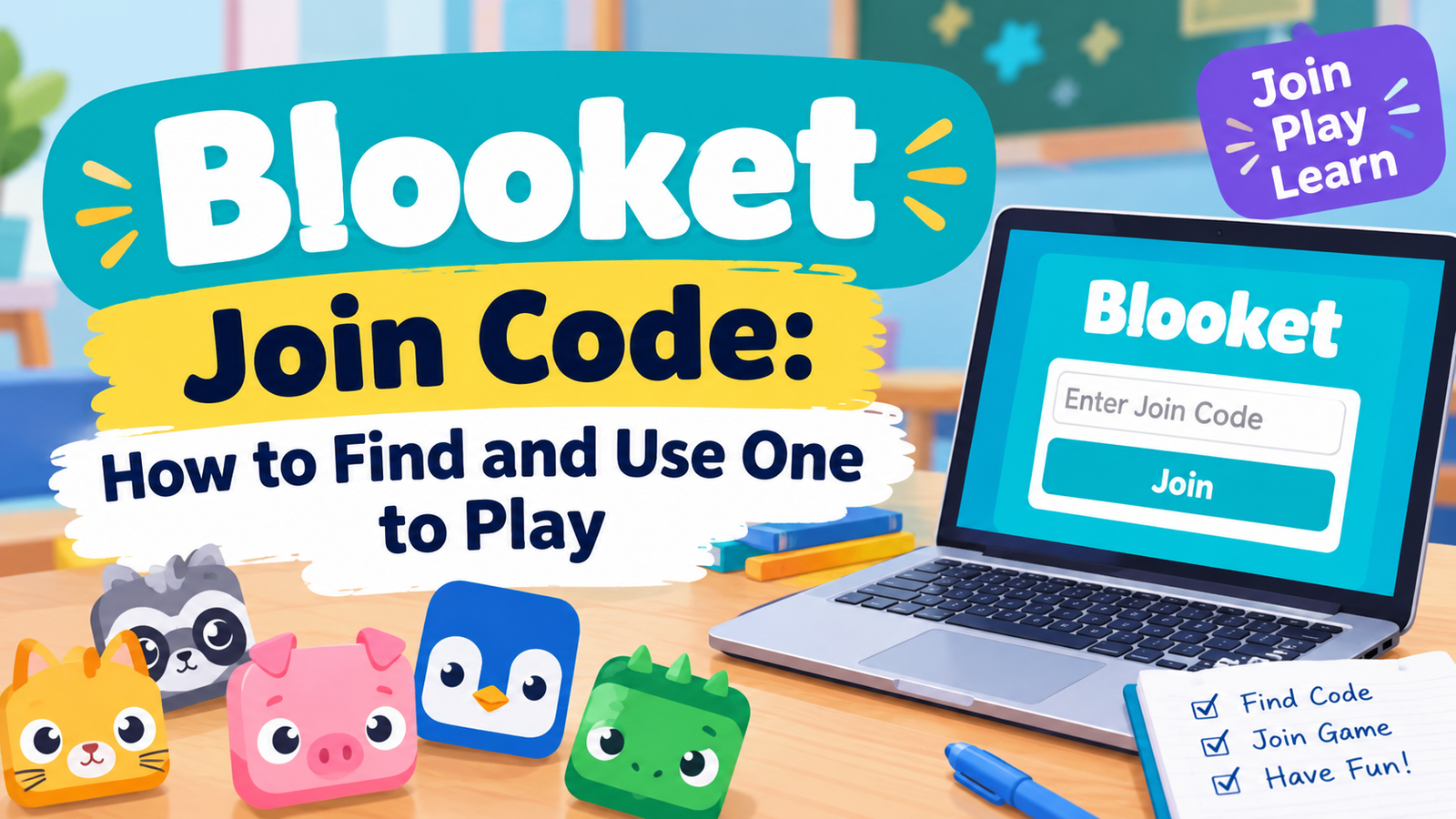
Blooket Join Code: How to Find and Use One to Play
A teacher writes six digits on the board, and a room full of students races to type them in before the lobby fills. That short number is the entire key to playing Blooket. No account, no download, no signup, just a code and a browser.
This guide covers exactly where that code comes from, how to enter it correctly on any device, and why searches for a code generator or a working list of codes online never lead anywhere real.
What Is a Blooket Join Code?
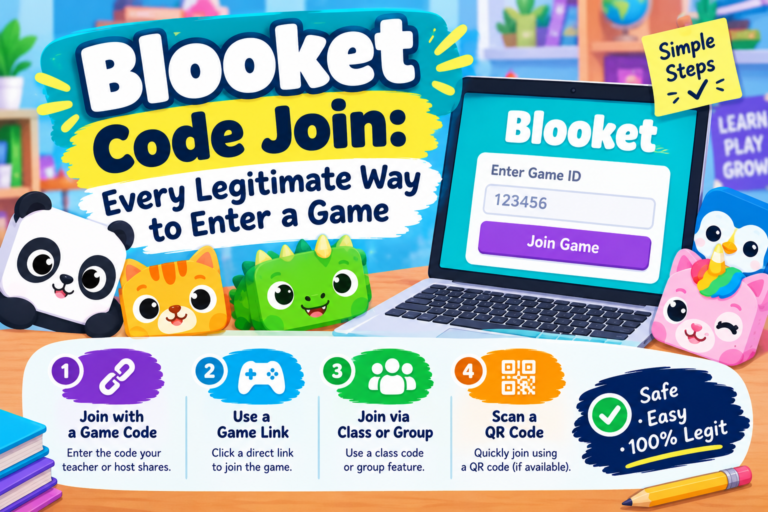
A Blooket join code is a short number, usually six or seven digits, generated fresh each time a host starts a live game. Players type this code into a join page to enter that specific session. The code only works while that exact game is open, and it stops working the moment the host ends it or the game finishes.
| Detail | Fact |
| Typical length | 6 to 7 digits |
| Where to enter it | play.blooket.com |
| Account needed to join | No |
| How long it stays active | Only while that live game is open |
| Who generates it | The host, automatically, at Start |
| Reusable later | No, a new code generates every game |
How to Join a Blooket Game with a Code
Joining on a Computer
- Step 1. Open a browser and go to play.blooket.com.
- Step 2. Type the code your host gave you into the box on that page.
- Step 3. Enter a nickname when asked. Most hosts set a naming rule, so check the board or your host’s instructions first.
- Step 4. Click Join and wait on the lobby screen until the host starts the game.
Joining on a Phone or Tablet
- Step 1. Open Safari or Chrome and go to play.blooket.com, the same address as on a computer. No app download is required.
- Step 2. Enter the code and a nickname exactly as you would on a computer.
- Step 3. Turn the device to landscape mode once the game starts, since most modes display better that way.
That is the entire process from start to finish. A Blooket join code never asks for a password, an email, or any personal detail beyond a nickname.
Where Do You Get a Blooket Join Code?
The code only comes from one place: the host’s screen at the moment they start a live game. There is no other legitimate source. A host running Blooket generates a fresh code automatically and usually projects it on a shared screen or reads it out loud.
If you are the one running the session rather than joining one, the full process for generating that code yourself is covered in the guide on how to host a Blooket game, which walks through picking a set, choosing a mode, and starting the lobby.
Blooket Join Code vs Game PIN vs Game ID
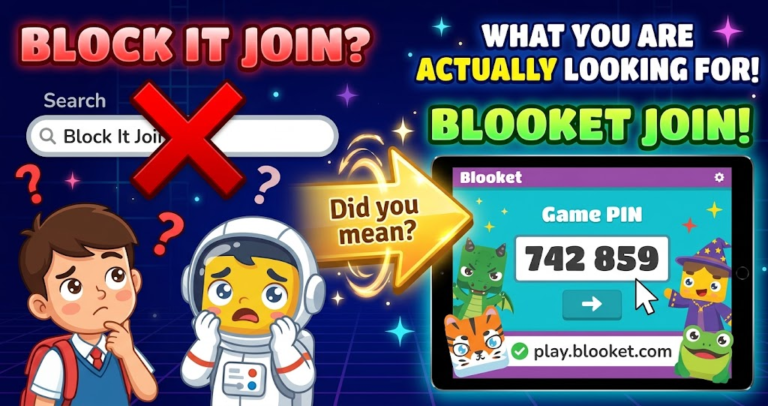
These three terms point at the exact same thing. Some players call it a join code, others call it a PIN out of habit from similar platforms, and others search for a game ID. Blooket itself just calls it a code, and typing it into play.blooket.com works no matter which term you searched to find this page.
Can You Find Blooket Join Codes Today Posted Online?
No, and this is worth explaining clearly. Every code belongs to one specific live game running at one specific moment. A code posted on a forum or video five minutes ago already belonged to a game that likely ended by the time anyone reads it. There is no running list of valid Blooket join codes anywhere, because the codes simply do not stay valid long enough to publish.
The only reliable source is your own host, live, right before the game starts.
Is There a Blooket Join Code Generator or Hack?
No genuine one exists. Codes are assigned by Blooket’s own servers at random when a host starts a game, and there is no pattern a generator tool could predict or reproduce. Any site claiming to generate working codes, or claiming a hack that lets you join a private or ended game, is not doing what it claims.
Sites like this typically exist for ad clicks or, worse, to collect personal information. The same caution applies here as with any other shortcut claim in this game. A full breakdown of why these tools fail and what real risk they carry is covered in the guide to Blooket cheats, which applies to code generators just as much as auto answer scripts.
Common Join Code Problems and Fixes
Most Blooket join code trouble comes down to one of a handful of simple causes, and every one of them has a quick fix.
- Code says invalid or not found. Double check every digit against the host’s screen. A single mistyped number is the most common cause by far.
- Code was accepted but the lobby is empty. Confirm the host has actually started the session. A code stays live for joining only until the host presses Start.
- Joined but the game already started. Some hosts lock the lobby once play begins. Ask the host to check if late joining is allowed for that specific mode.
- Nickname gets rejected. Certain words are automatically blocked. Try a simple name combining a first name and a number if the first attempt fails.
- Page will not load at all. Confirm the address is play.blooket.com exactly, not a lookalike domain, and try refreshing or switching networks if the page stalls.
Frequently Asked Questions
Do I need to log in to join a Blooket game with a code?
No. Joining only needs the code and a nickname. An account is only required for hosting a game or saving your own question sets.
How long does a Blooket join code stay active?
Only for as long as that specific live game stays open. Once the host ends the session, that code stops working permanently, and the next game gets a brand new one.
Can two different games ever share the same join code at once?
No. Blooket’s system assigns a unique code to every active game running at the same time, so entering a valid code always places you in exactly one specific session.
Is there a real Blooket join code generator anywhere?
No. Codes come only from Blooket’s own servers the moment a host starts a game. Any site claiming to generate a working code is not producing anything real.
What is the difference between play blooket join game and blooket.com?
Play.blooket.com is the dedicated page for entering a join code as a player. Blooket.com is the main site used for creating an account, building sets, and hosting games. Bookmarking play.blooket.com specifically saves a step for anyone who only ever joins games.
Final Thoughts
A Blooket join code is about as simple as an online tool gets, six digits, one page, no account required. The only real trap is searching for a shortcut that does not exist, since every legitimate code comes straight from a live host and nowhere else. Get the code from your teacher or host, type it into play.blooket.com, and the game does the rest.