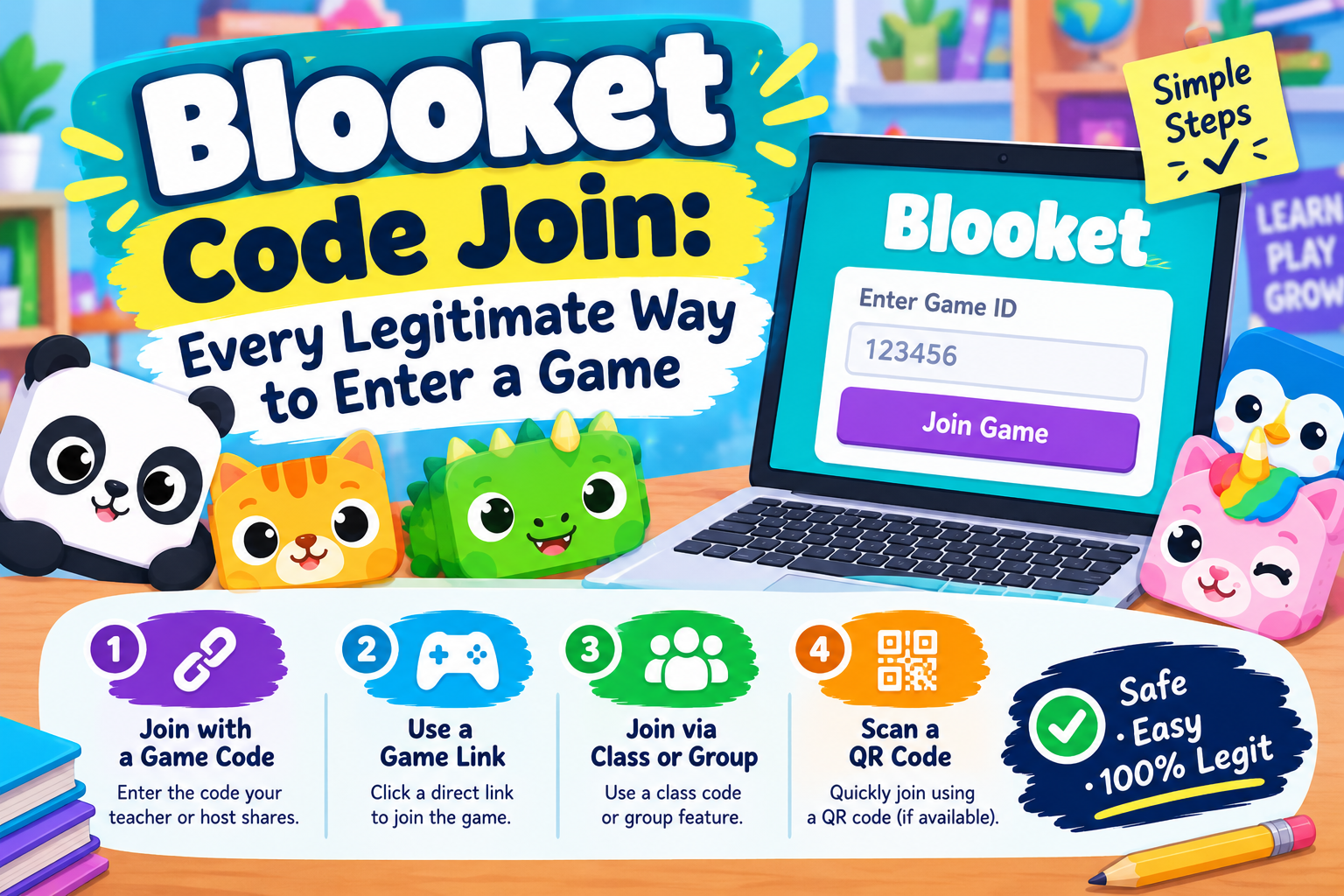
Blooket Code Join: Every Legitimate Way to Enter a Game
Type the code, pick a nickname, start playing, twenty seconds and you are in. That is the whole process behind Blooket code join, and almost everything written about it online either overcomplicates it or, worse, describes a shortcut that does not actually exist.
This guide covers the real process end to end, the three legitimate ways a host can get you into a game, a specific setting that saves a disconnected player, and one persistent myth worth clearing up before it wastes your time.
What Blooket Code Join Actually Means
Blooket code join describes one action: entering a short numeric code at play.blooket.com to drop into a live game session someone else is running. That code, usually six or seven digits, is generated fresh the moment a host clicks Start, and it only stays valid for that one specific game.
How to Join With a Code, Step by Step
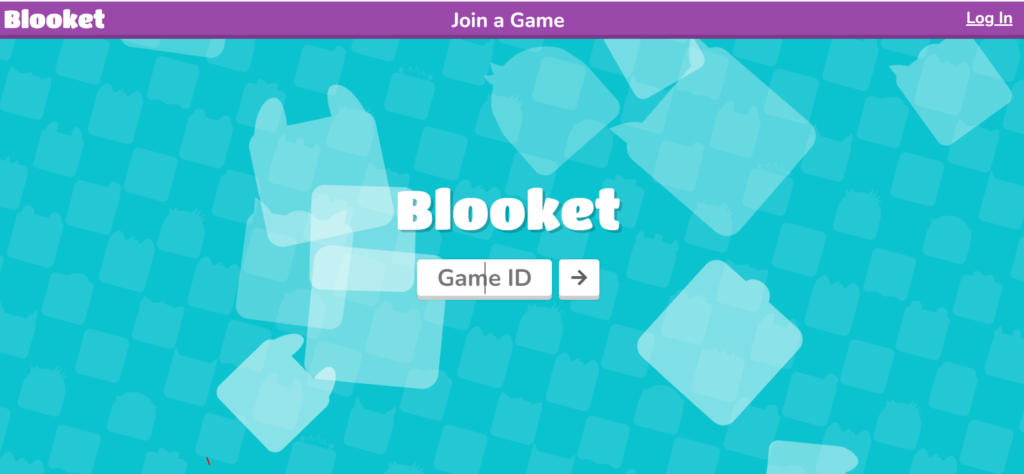
- Step 1. Go to play.blooket.com in any browser, on any device.
- Step 2. Type the code exactly as your host gave it, digit by digit.
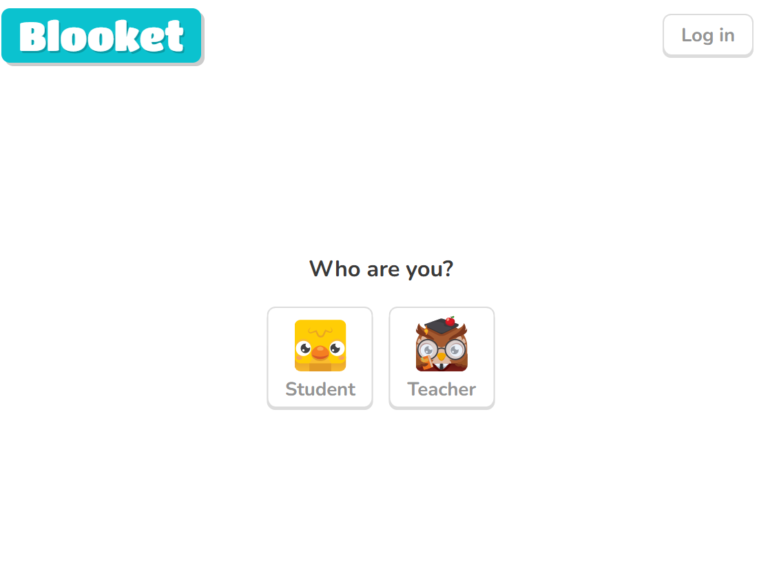
- Step 3. Enter a nickname. Keep it simple and appropriate, since your host sees it on their screen.
- Step 4. Click Join, then wait in the lobby until the host starts the game.
That is the entire process, and no account is required at any point. For the deeper walkthrough, including desktop and mobile specifics, see the full guide to the Blooket join code.
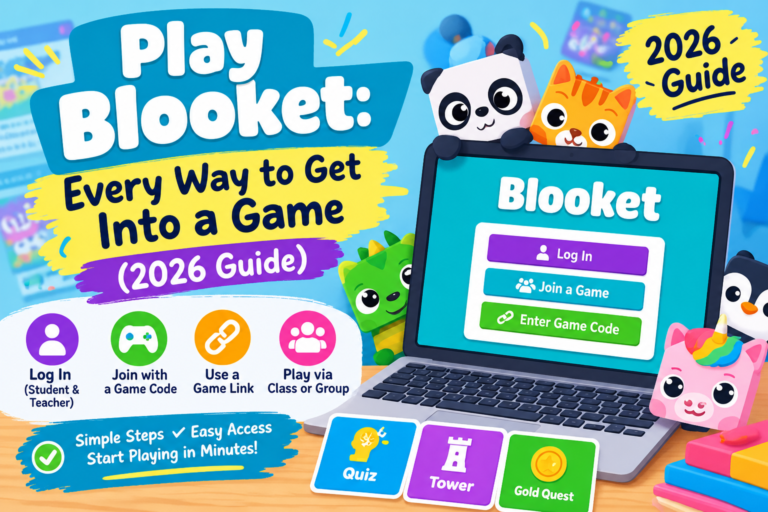
Three Ways a Host Can Get You In
| Method | How It Works | Best For |
| Typed code | Manually enter the digits at play.blooket.com | Codes written on a board or read aloud |
| QR code | Scan with a phone camera to skip typing | In person classrooms, quick entry |
| Direct link | Click a shared link that opens the lobby automatically | Remote or online classes |
All three lead to the exact same lobby for a Blooket code join. A QR code and a direct link both have the code baked in already, so they are not separate systems, just faster ways to enter the same one.
Can You Join Without Any Code At All? A Myth Worth Clearing Up
Several sites claim Blooket has a public lobby browser, a list of open games anyone can scroll through and join with one click, no code needed. This does not exist. Blooket’s own platform confirms there is no public game browser built into the site. Every working no code trick circulating online is really just a QR code or a direct link with the code already embedded in it, not a separate access method.
If a page promises a browsable list of live public games, that claim does not hold up, and pages making it are worth treating with the same caution as any other site promising a shortcut that sounds too easy.
What Is Late Join, and Does It Help You?
Late Join is a host side setting that allows players to enter after a game has already started, rather than locking the door the moment play begins. If you got disconnected, closed the tab by accident, or simply typed the code a little late, entering the same code again works as long as your host left this setting on. If it is off, the game itself has to end before that code opens up for a fresh session.
Troubleshooting a Code That Will Not Work
- Double check every digit. A single mistyped number is the single most common reason a code gets rejected.
- Confirm the game is still open. Codes only work for one active session and stop the instant the host ends it.
- Ask if Late Join is enabled. If the round already started and Late Join is off, the only fix is waiting for the next game.
- Check the player count. A free hosted game caps at 60 players, and a popular shared code can fill that before everyone gets in.
- Refresh and retry. A simple page reload resolves a fair share of codes that looked correct but still failed to connect.
For deeper connection issues that go beyond the code itself, browser extensions or a blocked school network, see the troubleshooting section in the guide to Blooket live.
Frequently Asked Questions
Do I need an account for Blooket code join?
No. A code and a nickname are enough to join any live game as a guest. An account only matters if you want tokens or Blooks to save between sessions.
Is there really no way to join Blooket without a code?
Not through a public browsable lobby, since that feature does not exist on Blooket. A QR code or a direct link can skip typing the code manually, but both still rely on a code generated by a host, just delivered differently.
Why does my Blooket code join attempt say the game is full?
Free hosted games cap at 60 players. A widely shared code, especially one posted publicly, can hit that limit fast. Ask the host whether a second session is possible if this happens repeatedly.
Can I rejoin after getting disconnected mid game?
Usually yes, if the host has Late Join enabled and the session is still running. Enter the exact same code again you used the first time rather than requesting a new one.
Are Blooket codes posted on Discord or forums safe to use?
Most simply will not work, since codes expire the moment a session ends. A small number of sites go further and use fake join pages to collect a Blooket login instead. The safer path is always getting a code directly from your own host, and a broader look at these kinds of scam patterns is covered in the guide to Blooket cheats.
Final Thoughts
Blooket code join really is as simple as it sounds, a code, a nickname, and a click, with QR codes and direct links just offering a faster route to that same door. No public lobby exists to browse instead, and knowing that saves time hunting for a feature that was never real. Keep Late Join in mind if a disconnect happens mid game, and the whole process holds up exactly as advertised.