Play Blooket Solo: Practice Free Without a Host or Code
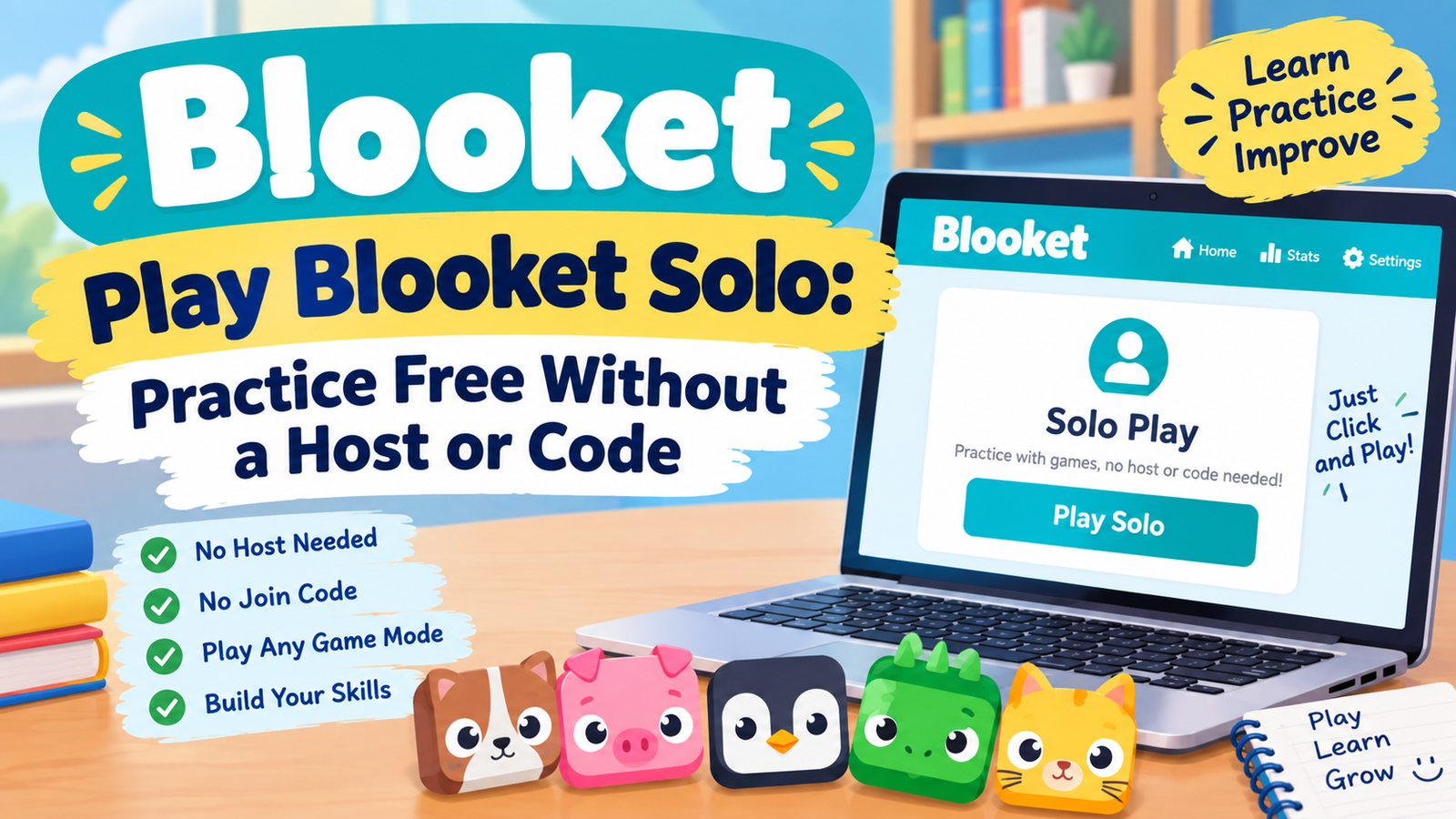
No code to type. No host to wait on. No classmates racing you to the answer. Choosing to play Blooket solo strips the game down to just you and the questions, and it works any time of day, free, on any device with a browser.
This guide covers how to start a solo game, which modes actually support it, whether an account is required, and how solo play compares to joining a live game a teacher is hosting.
What Does Playing Blooket Solo Actually Mean?
To play Blooket solo means using Blooket’s single player option. No other player can join your game, there is no live leaderboard racing you against classmates, and nothing about the session depends on a host being online at the same time as you.
It is built for practice. Students use it to review before a live class game, catch up after missing a session, or simply grind tokens at their own pace. Teachers use it to assign self paced work students can complete anywhere.
How to Play Blooket Solo, Step by Step
Starting from the Discover Page
This route works with any public set, including ones built by other teachers.
- Step 1. Go to blooket.com and open the Discover tab.
- Step 2. Search for a topic or browse by subject until a set looks right.
- Step 3. Open that set’s page and click Play Solo.
- Step 4. Pick one of the available solo modes from the list shown.
- Step 5. Configure any settings offered, then start playing at your own pace.
Starting from Your Own Sets
Use this route for a set you built yourself or saved earlier.
- Step 1. Log in and open My Sets from the dashboard.
- Step 2. Choose the set you want to practice with.
- Step 3. Click Host, then select a solo game mode from the options shown.
- Step 4. Click Host Now to begin. No join code gets generated for a solo session, since nobody else can enter it.
Which Game Modes Can You Play Solo?
Only some of Blooket’s modes support single player play. The rest need a live host and at least one other participant to function.
| Available Solo | Host Only |
| Study | Classic |
| Cafe | Racing |
| Factory | Gold Quest |
| Tower Defense and TD2 | Battle Royale |
| Crazy Kingdom | Blook Rush |
| Fishing Frenzy | Cyber Hack |
| Monster Brawl, Zorblitz, Plushie Panic, Pirate Pool | Egg Hunt and other event exclusive modes |
A few solo modes, including Cafe and both Tower Defense versions, let you save an unfinished run and pick it back up later instead of starting over from question one.
Is Playing Blooket Solo Really Free?
Yes, completely. Every mode listed as solo capable above is available on a free account with no Blooket Plus subscription required. You can play Blooket solo on the free plan with full access, so cost is never the reason to avoid it.
Solo Play vs Joining a Host’s Game
Choosing to play Blooket solo versus joining a host is genuinely a different experience, not just the same game with fewer people.
| Feature | Solo Play | Joining a Host |
| Needs a code | No | Yes |
| Needs a host online | No | Yes |
| Available modes | About 11 modes | All 27 modes |
| Pace | Fully self paced | Set by the host’s timer |
| Best for | Practice, review, token grinding | Class review, live competition |
If a teacher gave you a code to join a live session instead, the full walkthrough for that process is covered in the guide to the Blooket join code, including what to do if the code will not work.
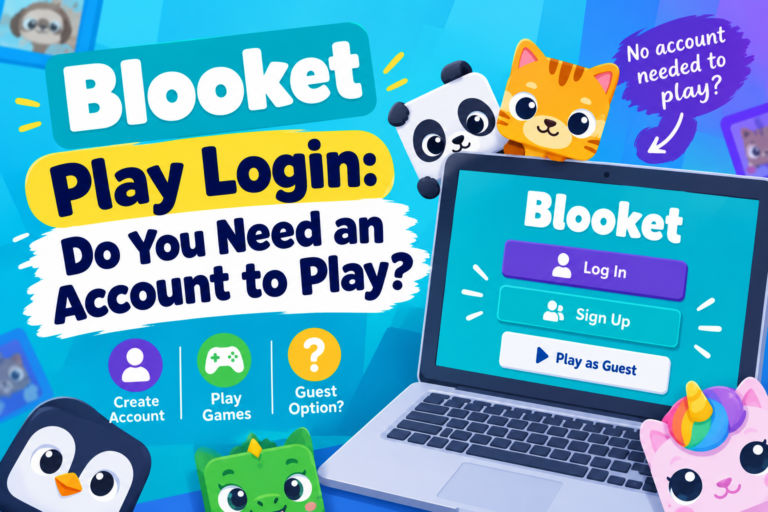
Do You Need to Log In to Play Blooket Solo?
It depends on the set. Playing a public set through Discover works without logging in for a quick session, but signing in unlocks saving progress, tracking tokens earned, and building your own sets to practice with later. For anyone practicing regularly, logging in is worth the extra step just to keep that progress.
Why Play Blooket Solo? Real Reasons Students and Teachers Use It
- Review before a live game. Running through a set solo first builds familiarity, so the live version feels faster and less stressful.
- Catch up after an absence. A student who missed class can play the exact same set the rest of the class already covered.
- Grind tokens on your own schedule. Solo sessions earn tokens the same as live ones, without needing to coordinate with anyone else.
- Practice a weak subject repeatedly. Replaying the same set several times reinforces material far more than a single pass through it.
- Test a set before hosting it live. Teachers can play their own set solo first to catch typos or unclear questions before a full class sees them.
Frequently Asked Questions
Can you play Blooket solo for free?
Yes, every solo capable mode works on a free account. No Blooket Plus subscription is required to practice alone.
Do I need a join code to play Blooket solo?
No. Solo sessions never generate a join code, since nobody else can enter the game. Codes only exist for live sessions a host starts for other players to join.
What is the Blooket game ID when playing solo?
Solo sessions do not use a game ID the way a live hosted game does. That identifier only matters for joining someone else’s live session, not for solo practice.
Can you play every Blooket mode solo?
No. Around 11 modes support solo play, including Study, Cafe, Factory, and both Tower Defense versions. Modes built around live competition, such as Gold Quest and Battle Royale, need a host and other players to work.
Is playing Blooket solo good for studying?
Yes. Self paced review with no time pressure or competition tends to help retention, especially for a student revisiting material they already struggled with in a live game.
Final Thoughts
Choosing to play Blooket solo removes every barrier that comes with a live session, no code, no waiting for a host, no pressure to keep pace with anyone else. It costs nothing, covers most of the modes players care about, and works whenever practice time actually fits your schedule. When it is time to join a real class session instead, the guide to Blooket hosting covers the other side of that same process.