Blooket Join: The Complete 2026 Player Guide
Blooket Join is the step that gets a player from a shared code into a live game, and it’s meant to take seconds, not minutes. This guide covers every Blooket Join method, the mistakes that actually cause an “Invalid ID” error, and how joining differs from logging in or hosting.
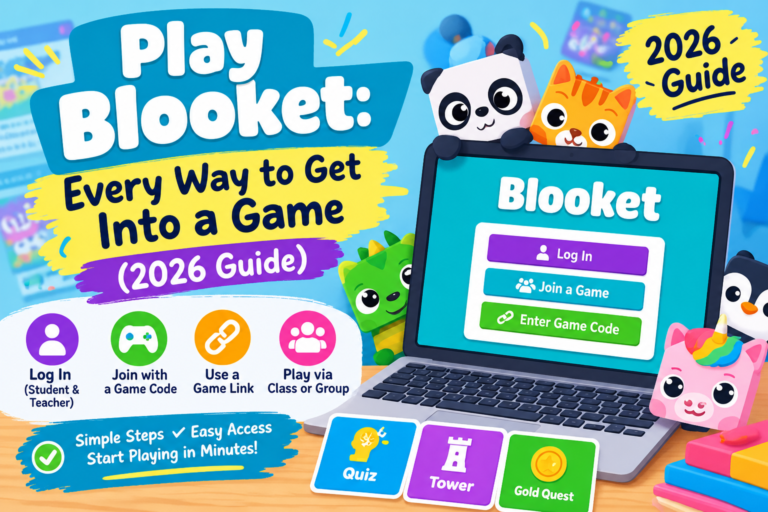
Blooket Join With a Game ID (Standard Method)
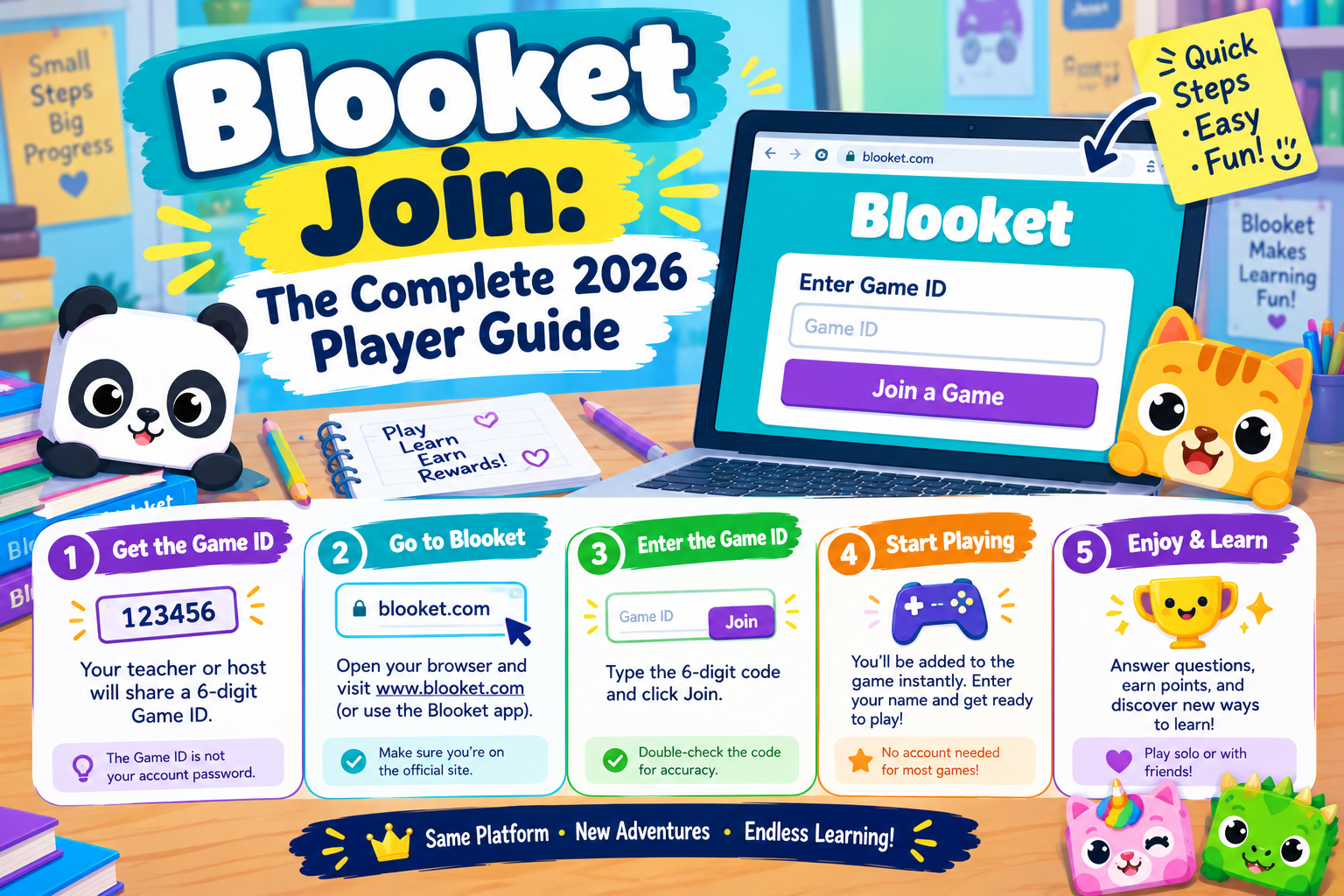
This is how most students complete a Blooket Join for a class session. The host starts a game, Blooket assigns it a numeric ID, and that code is what everyone types in.
- Open play.blooket.com in your browser — not the main blooket.com homepage, which is built for hosts, not players
- Enter the Game ID exactly as your host displays it, digits only
- Choose a nickname (your teacher may require your real name instead)
- Pick a Blook to play as
- Click Join and wait in the lobby for the host to start
No account is required for any of this. An account only matters if the host has “Track Stats” turned on, or if you want to keep your Blook collection between sessions.
Why Blooket Join Fails With “Invalid Game ID”
Most join errors come down to one of three things, not a broken platform:
- The session already closed — Game IDs stop working the moment a host ends or restarts a game
- A typo in the code — there are no letters or dashes, numbers only
- You’re on the wrong page — typing the code into a search bar, or landing on blooket.com instead of play.blooket.com
If the code is confirmed correct and current and it still fails, the issue is usually a school network filter rather than the Game ID itself — worth flagging to IT before assuming you did something wrong.
Other Ways to Get Into a Game: QR Code, Link, and Account
QR code: scan it with a phone or tablet camera and you’re dropped straight into the lobby, no typing needed.
Direct join link: shared through Google Classroom, Teams, or email. One tap and you’re in — this is the method most virtual classes rely on.
Signed-in account: optional, and only useful if you want your points, Blooks, or homework-mode progress saved to a profile.
One thing worth being clear on: a Blooket Join and a Blooket login are two different actions. Joining gets you into someone else’s game. Logging in signs you into your own Blooket account. You can complete a Blooket Join without ever logging in.
If you’re the one running the session instead of joining one, see our guide to hosting a Blooket game for the host-side setup. For Blooket’s own account and privacy policies, refer to the official Blooket Help Center.
Game Modes: What Changes Once You’re In
Every correct answer triggers something — what it triggers depends on the mode the host picked before starting.
| Mode | Main Focus | Best For |
| Tower Defense | Strategy | Solo practice, careful thinkers |
| Gold Quest | Speed | Fast-paced review sessions |
| Battle Royale | Competition | High-energy class games |
| Café | Pacing | Steady, low-pressure rounds |
| Fishing Frenzy | Collecting | Younger students, casual play |
Tower Defense rewards careful answers over fast ones, since correct answers fund your defenses rather than just adding points — it’s also one of the better modes for solo practice, covered next.
Joining Solo, Without a Host or Code
Not every Blooket Join needs a host. Solo mode skips the Game ID entirely: pick a saved question set, choose a mode that supports solo play, and go at your own pace — there’s no lobby and no leaderboard, which removes the competitive pressure some students find distracting while studying. It runs the same on a phone, Chromebook, or laptop.
Free vs. Plus: Does It Affect Joining?
Short answer: no. The plan only affects what the host can offer, never what a player can do — a Blooket Join looks identical whether the host is on Free or Plus.
| Feature | Free | Plus |
| Question sets | Unlimited | Unlimited |
| Live hosting | Yes | Yes |
| Standard game modes | Yes | Yes |
| Exclusive game modes | No | Yes |
| Advanced analytics | No | Yes |
| Audio questions | No | Yes |
| Higher player limits | No | Yes |
Staying Safe: Codes Found Outside Class
There’s no public directory of active Blooket games — every valid Blooket Join code comes from a host who chose to share it. Sites claiming to list “live Blooket codes” are usually posting expired or randomly guessed numbers that won’t lead anywhere real. Tools that promise to auto-answer questions or manipulate scores violate Blooket’s terms and risk getting an account suspended — they also defeat the point of a game built to test what you actually know.
Blooket Join: Frequently Asked Questions
Do I need a Blooket account to complete a Blooket Join?
No. A Game ID and a nickname are all that’s required for a live session. An account is only necessary for saving stats or accessing homework assignments.
What’s the difference between blooket.com and play.blooket.com?
blooket.com is the main site, aimed at hosts creating and managing question sets. play.blooket.com is the dedicated join page for players entering a Game ID.
Can I join on a phone?
Yes — Blooket runs fully in mobile browsers. No app install is needed for live games, solo mode, or homework mode.
Why does my nickname keep getting rejected?
Some hosts require real names instead of made-up nicknames as a classroom management setting — check with your teacher if a name won’t go through.
Is joining a random public game safe?
It’s low-risk since no personal data is shared beyond a nickname, but it’s still best to only use codes from a source you trust — codes posted publicly online often belong to closed sessions.